

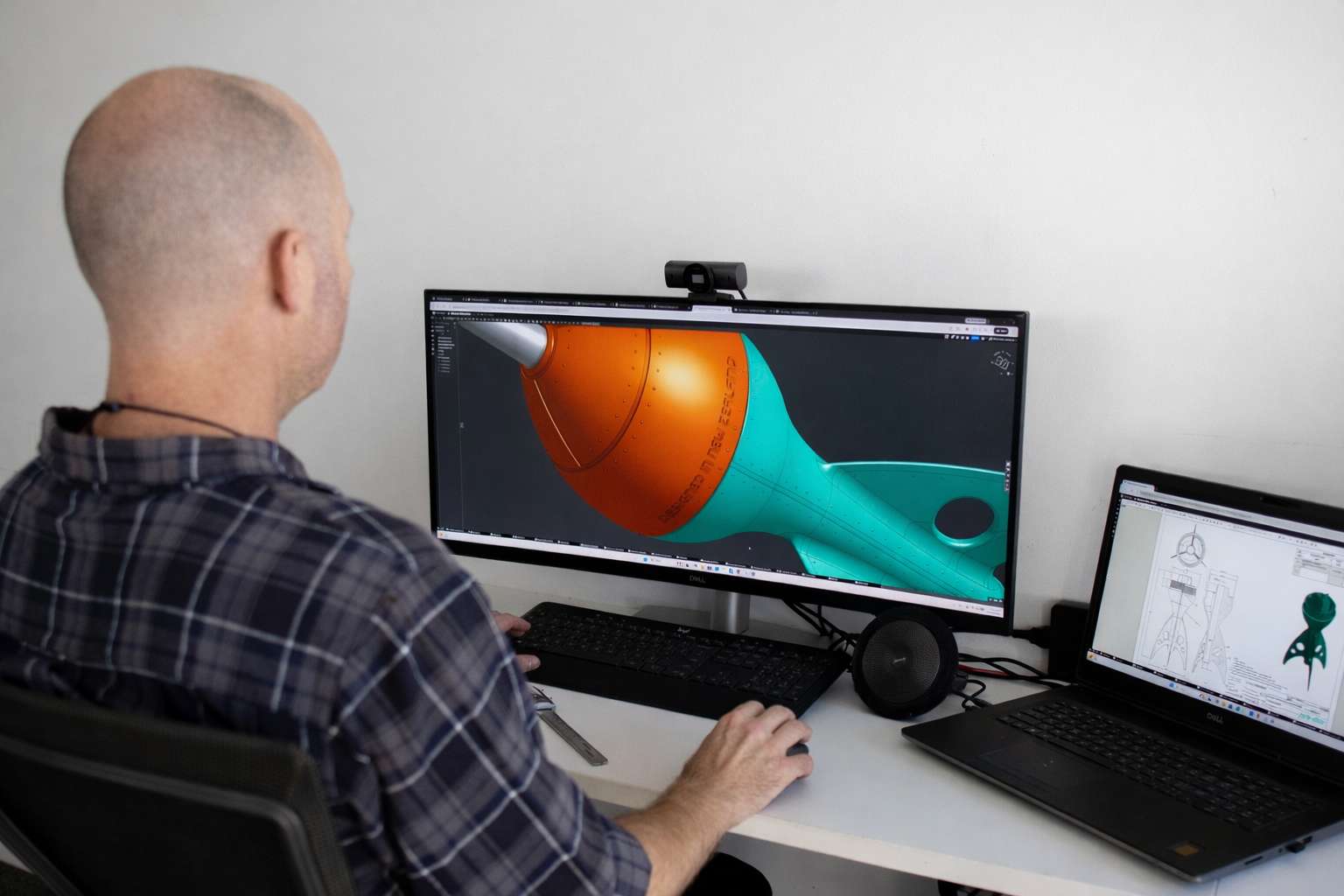
Pro-Dev uses both Onshape and SolidWorks daily, so this is not a review written from a spec sheet. It is what actually differs when a product gets developed on each platform, and what that means for you as the person paying for the CAD work.
The one-sentence difference
SolidWorks is the established desktop CAD that most of the industry grew up on. Onshape is full professional CAD rebuilt for the browser, which changes how teams work more than it changes what they can model.
What they have in common
For a typical physical product, both platforms are more than capable. Parts, assemblies, drawings, sheet metal, surfacing, configurations: a competent engineer produces production-ready CAD in either. If someone tells you a consumer product can only be designed in one of them, they are describing their own habits, not the tools.
Where Onshape wins
Access. Onshape runs in a browser. You can open your own product model on a laptop in a factory meeting in Shenzhen, with nothing installed. For clients, this is the feature that matters most: we share a link and you watch your product develop in real time, comment on it, and always see the current version.
Collaboration. Two people can work in the same model at the same time, and every change is versioned automatically. There are no files to email, no versions to lose, no “which one is final” folder.
Cost structure. Onshape is a subscription without workstation hardware demands, so keeping a project alive between stages costs little. Anyone you invite can view the model on a free account.
Where SolidWorks wins
Industry reach. SolidWorks has been the default for twenty years. Toolmakers, moulders and machine shops everywhere accept its files natively, and the pool of experienced engineers is deeper.
Ecosystem depth. For simulation, complex surfacing plug-ins and niche add-ons, the SolidWorks ecosystem is larger. Most consumer products never touch those edges, but when a project does, the depth matters.
Offline work. Desktop software keeps working when the internet does not. For factory-floor computers or remote sites, that can decide it.
What this means if you are hiring CAD work
Three questions matter more than the platform’s name.
First, will you have access to your own model? With Onshape the answer is naturally yes, live, always. With SolidWorks, make sure your agreement says you receive the native files, not just exports. Either way, you should own your CAD outright. At Pro-Dev, clients own their files and their IP regardless of platform.
Second, can your manufacturer use the output? Both platforms export the neutral formats (STEP, IGES) that any factory accepts, so this is rarely a real problem. We cover the detail in CAD software and platform compatibility.
Third, does the work need continuity? If your product will be developed in stages over a year, a CAD retainer on a cloud platform makes it easy to pick the model up whenever a stage starts, with no licence or file logistics in the way.
How we choose at Pro-Dev
Our default for new product development is Onshape, because client access and clean version history remove a whole category of project friction. We keep SolidWorks in daily use for projects that arrive as SolidWorks files, for clients whose internal teams run it, and for work that leans on its ecosystem. Migrating a project between the two is routine work, not a rebuild.
The honest summary: for most New Zealand product projects, the platform choice affects your experience of the project more than the quality of the outcome. Pick the team first. If you want to see your product develop live from anywhere, ask them for Onshape. If your world already runs on SolidWorks, that is a fine answer too. Both roads end at the same place: production-ready CAD that a factory can build from.
Pro-Dev provides CAD services in Onshape and SolidWorks: production-ready 3D models, manufacturing drawings and CAD conversion for clients in NZ, Australia and the USA. If you want to talk about your product, get in touch.
